
Searching Dade County Civil Dockets
First, figure out which court created the record. For a Superior civil matter, the Dade County Clerk of Superior and Juvenile Courts links the local Court Docket and civil forms. Dade civil e-filing and e-access run through PeachCourt. The Georgia Courts e-access listing notes that an account is required.
Bring the case number or case style if you have it. A party name helps. So does an approximate filing year, the court level, and the document type. A case can be missing for a few reasons. It may not be set on that calendar. It may be restricted. It may simply belong to another court.
- Choose the court that created the record: Superior, Magistrate, Probate, Juvenile, or Trenton Municipal.
- For a Superior civil document, use the PeachCourt account route; for a local index or calendar, use the Dade Court Docket and Clerk calendar links.
- Search with the case number or confirm the case style and party names before opening a result or PDF.
- Separate the filing date, service date, answer date, hearing date, and disposition rather than treating them as one event.
- Ask the Clerk for the underlying pleading, order, judgment, or certified copy when a calendar entry is not enough.
PeachCourt for Dade Civil Cases
PeachCourt handles civil e-filing and document access for Dade Superior. Georgia's e-access information points Dade civil searches there, and an account is required. The public landing page shows document access and electronic filing. Nothing Dade-specific appears until you sign in. An account does not promise that every item will be visible or free.
The sign-up form collects a name, email, and password. It also asks a recovery question, PIN, terms acceptance, and a human-check step. Those are account controls, not docket fields. Check the Clerk's fee schedule for copies, and ask PeachCourt about vendor charges. The local Icon Court Docket is separate, with its own UserID and password login. A dated Clerk PDF may still show a setting. The full register can stay restricted even then.
The Georgia Courts CMS FAQ explains statewide case-management work. It also helps put Dade's current portal split in context.
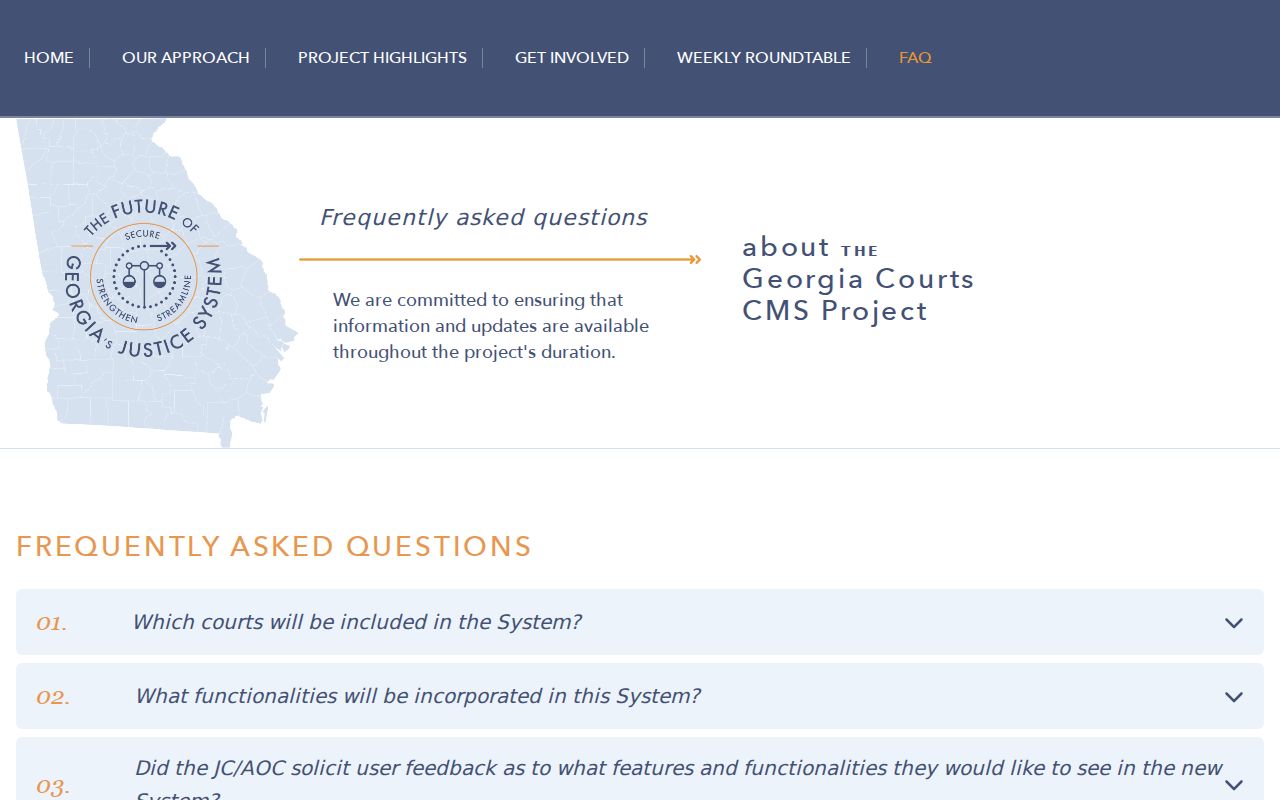
None of that changes the local route. Dade civil access still runs through PeachCourt, the local Court Docket, and the Clerk's own channels for the county.
Inside a Dade County Civil Docket
The public civil calendar fields show how a docket entry is built. The case number identifies the file. The case style gives the caption, a short description of the parties. Dates place the case in time. The cause, service, answer, counsel, and notes fields explain the setting. Remember what an entry is. It is a record of an event or field, not necessarily the pleading, order, or judgment behind it.
| Case number | The court-assigned identifier for locating the civil case. |
|---|---|
| Case style | The caption or short party description. |
| Filing date | The date the case or filing entered the Clerk’s record, separate from a later hearing. |
| Cause | The civil reason or setting description printed on the calendar. |
| Service and answer | Recorded dates, not a substitute for the underlying service record. |
| Attorney and side | Counsel information and the party role represented, sometimes with a phone field. |
| Notes | Calendar notes about the setting, including a Rule Nisi or other purpose when printed. |
No public Dade case-number pattern is set out here. Use the exact number shown by the Clerk, PeachCourt, or an official calendar. Compare it with the case style before requesting a document.
Reading a Dade Civil Hearing Calendar
The Dade Clerk calendar index is a static shelf of dated PDFs. It is not a date-range search database. Civil labels include Civil Circuit Calendar, Civil Pre-Trial Calendar, Amended Civil Pre-Trial Calendar, Civil Hearing Calendar, Civil Trial Calendar, and Civil Non-J Jury Calendar.
Read the printed calendar date first. Confirm the case number or style. Then check the hearing date and time, filing date, cause, party roles, service and answer fields, attorney and side, phone, and notes. A Rule Nisi note flags the purpose of a setting, but the order controls.
Check an amended pre-trial PDF when one appears. A changed or missing entry does not prove a dismissal or a continuance. The Lookout Mountain Judicial Circuit calendar is another route for a circuit-level event. If the case is absent, call the Clerk or circuit office. Ask about another calendar, a reset, a restriction, or another court.
Civil Case Types on the Docket
The General Civil Case Filing Information Form lists the categories a filer supplies when a case starts. Those labels are filing metadata. They do not guarantee equal public document access, the same hearing path, or a matching final disposition across categories. The form also offers a court choice of Superior Court or State Court, though current Dade county department and Georgia e-access listings show no separate Dade State Court. Confirm the court name on the current form and with the Clerk.
- Civil appeal, contract, garnishment, and general tort matters.
- Medical malpractice tort, product liability tort, and other general civil matters.
- Real property, injunction, mandamus, other writ, and restraining petition matters.
- Habeas corpus and other case categories listed on the Superior civil form.
- Domestic contempt, support-related modification, and other domestic or administrative selections.
Small civil claims may belong in Magistrate Court. Estates and guardianships go to Probate Court. Juvenile records carry special limits, and a Trenton municipal matter stays a city record. Start with the court rather than assuming every category flows into Superior Court or PeachCourt.
Dade Civil Filing Form Fields
The civil filing form is more than a cover sheet. It shows the metadata the Dade Clerk expects at initiation: clerk-use-only filing and case-number fields, court and county, plaintiff and defendant rows, case category, related action, redaction certification, interpreter need, language, and disability accommodation. That is why a case search may show a case style or category. It may not show every document in the file.
The related-action box has room for two other case numbers. If one appears, compare both case styles, dates, settings, and dispositions. Do not assume one file holds all events. The redaction certification references O.C.G.A. §9-11-7.1. Interpreter and accommodation fields route service needs, while the party rows establish the caption.
Redaction reminder: An electronic filing is not automatically a public, unredacted document. Personal identifiers, sealed material, and restricted filings remain subject to the governing rule, statute, or court order.
Start with the current Clerk form. Ask the civil division which record layer your matter needs, since staff can point you to the right form or copy route. They cannot give legal advice.
Civil Docket Settings and Hearings
A civil setting is one scheduled event, nothing more. You might see it on a hearing, trial, pre-trial, circuit, or non-jury calendar. Keep milestones straight. Filing, service, answer, hearing, and disposition are each separate steps in the docket. Check the newest calendar, and then compare it against any amended version. Only the presiding judge's process can remove or continue a setting from an official calendar. For a full date check, search the Clerk index and the Dade County Court Dates page. Then call the office if an entry is unclear. When the real question is what happened at a setting, request the underlying order or judgment.
Dade Final Disposition Details
The General Civil Case Final Disposition Form captures details a basic calendar leaves out. It records the date disposed. It also records the case number and style, the reporting party, counsel and bar-number fields, self-represented status, the manner of disposition, trial type, interpreter order, and any court-annexed alternative dispute resolution referral. ADR stands for alternative dispute resolution. It is a court-connected process that can resolve a matter without a trial. What the form adds is the precise manner of ending. You can select jury, bench or non-jury, non-trial, or ADR. It does not replace a judgment, dismissal, settlement order, or other controlling document. So request the specific final order when the result matters. Treat the disposition date as its own field. It is not the filing, hearing, service, or answer date. If records seem out of step, give the Clerk the case number and style. Then ask which existing record resolves the difference.
Civil Docket Access Rules
Public access is broad, but it has limits. PeachCourt handles electronic access to Dade Superior civil cases. The Clerk supplies calendars, forms, copies, public terminals, and help at the counter. Visit 255 W. Crabtree Street, Suite 103, Trenton, Georgia 30752, call 706-657-4778, or mail P.O. Box 417. The counter is open weekdays, 8:30 a.m. to 5:00 p.m. For a copy, state the court, the case number, the style, the year, the record type, and whether you want certification. If a portal shows nothing, call or mail a precise request. Ask whether the file is an image, a paper record, or microfilm. Open records never replace the Clerk's certified-copy process.
Key authorities:
O.C.G.A. §50-18-70 et seq., Georgia Open Records Act supports access to existing public records, subject to exemptions and confidentiality rules.
O.C.G.A. §50-18-71 describes response, timetable, search, copying, estimate, and prepayment rules. The state does not have to create a new report that it does not already keep.
O.C.G.A. §9-11-7.1 and Uniform Superior Court Rule 36.16 govern civil redaction and electronic filing limits. A filing can be electronic without being public in full.
Dade Clerk Copies and Civil Fees
The Dade fee schedule is effective July 1, 2024. It lists a civil, modification, or garnishment filing at $213.50 when the components apply. A post-judgment matter filed more than 30 days after judgment or dismissal runs $58.00 in the relevant row. Confirm current figures before you pay.
| Request | Published Dade amount |
|---|---|
| Uncertified copy without assistance | $0.50 per page |
| Uncertified copy with assistance | $1.00 per page |
| Certified or exemplified copy | $2.50 first page; $0.50 each additional page |
| Computer printout | $2.50 per page or equivalent |
| Fax or electronic copy | $2.50 first page; $1.00 each additional page |
| Oversized copy | $2.00 per page |
Copy costs are usually paid up front. Retrieval that runs over 15 minutes may carry a reasonable charge. That charge falls under the Georgia Open Records Act. A certified copy is clerk-authenticated, not a screen view or a calendar PDF. The Dade County open-records process covers written requests and sets a response timetable. Its form states that a response or timetable should be provided within three business days. Send any court-record request to the court custodian first.
When Dade Civil Access Is Limited
Some Dade County civil filings stay out of view. Sealed documents, protected identifiers, family-violence material, and juvenile records may be omitted, redacted, or listed only as a limited entry. The current Georgia Uniform Superior Court Rules make clear that electronic filing does not lift those restrictions. If the clerk denies you access, ask which authority controls the record and whether a redacted version can be released. That request is fair, and the answer may open a partial copy.
No single search box covers everything, either. A statewide CMS reference does not merge Dade's Icon system, PeachCourt, and the clerk's PDFs into one public case lookup. GBI records sit on a different system altogether.
The Georgia record-restriction information published by the state explains why a public index, a filed document, and a restricted record are three different things. It is not a route into a civil docket. Still, it helps you understand what a closed entry in the Dade County court docket actually means.
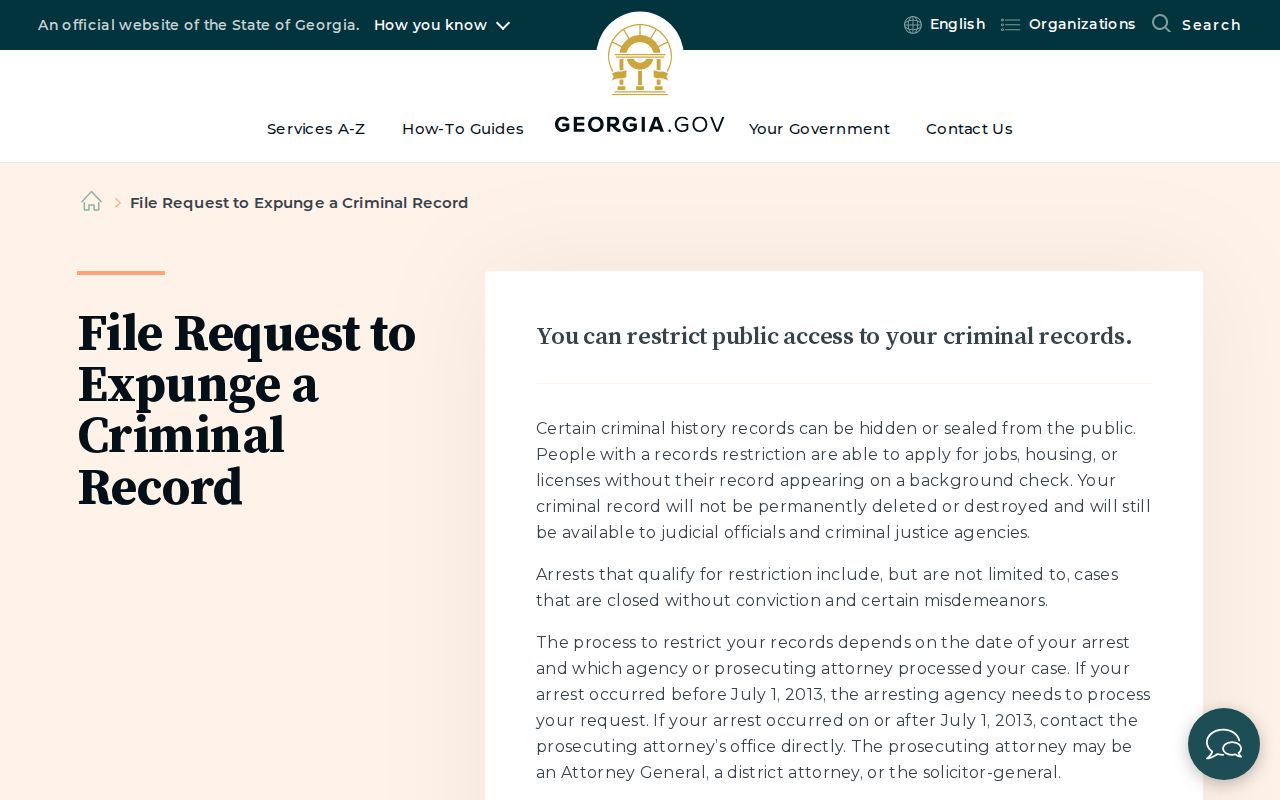
That reference only marks a boundary. The civil route still runs through the court, the Clerk, or an authorized provider holding the record. The Georgia Bureau of Investigation records FAQ describes a separate criminal-history system. Do not use it as a civil docket lookup.
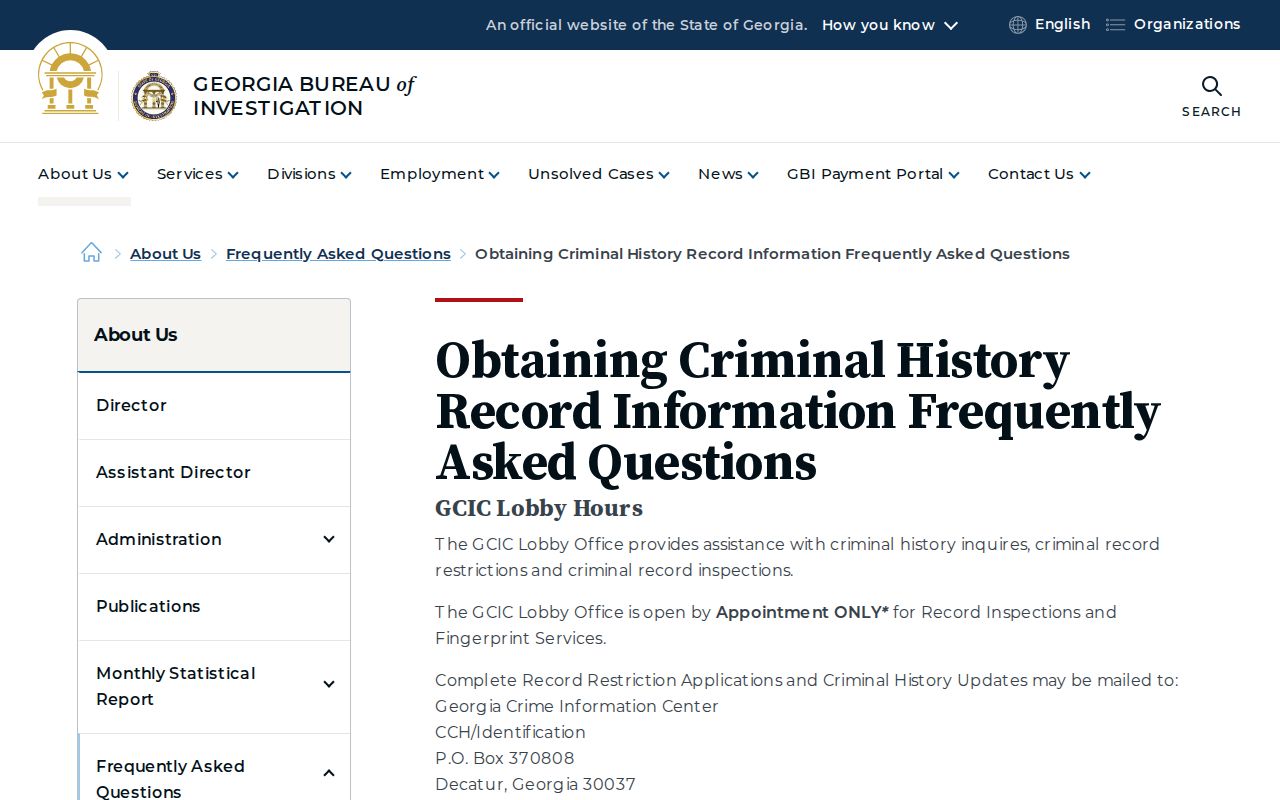
Keeping these systems separate stops confusion. It keeps a restricted-record process from being mistaken for a missing filing or an incomplete Dade docket history. When a civil document does not appear, confirm the case number and calendar type first. Check the newest and amended PDF, try PeachCourt, and contact the Clerk. For Magistrate, Probate, Juvenile, or Trenton Municipal records, go to that court's own office.